
Introduction
Losing an iWatch can feel overwhelming, especially when it holds so much personal information and daily functionality. Apple provides several effective methods designed to help you track down a misplaced device swiftly. This guide delves into the tools and practices for locating your iWatch, offering you peace of mind now and strategies to prevent future loss.

Use the Find My App to Locate Your iWatch
The Find My App is an essential tool for all Apple device users. It allows you to locate your iWatch with just a few simple steps.
- Setting Up Find My App: Ensure that the Find My App is active on your iWatch. Navigate to Settings on your watch, tap your name, and select ‘Find My.’ Activate it to start tracking. Ensure this setup is mirrored on your iPhone for seamless integration.
- Step-by-Step Guide to Using Find My:
- Open the Find My app on your iPhone or iPad.
- Select the Devices tab and find your iWatch in the list.
- Your watch’s location will show if it is online.
- If nearby, play a sound to help locate it.
These steps offer a quick digital method to find your iWatch, but Apple’s ecosystem provides more ways to assist in your search.
Leveraging Apple Devices to Find Your iWatch
Using interconnected Apple devices helps enhance your chances of locating your lost iWatch beyond just the Find My App.
- Using Your iPhone to Ping Your iWatch: If your iWatch is within range, utilize your iPhone’s Control Center. Swipe down from the top right and tap the watch icon to make it ring.
- Apple’s Integration with Mac and iPad: Access iCloud.com via a Mac or iPad to use the Find My feature. This approach is helpful if your iPhone is unavailable and provides versatile options to continue your search.
Digital tools are incredibly beneficial, but practical measures can also play a crucial role in your search efforts.
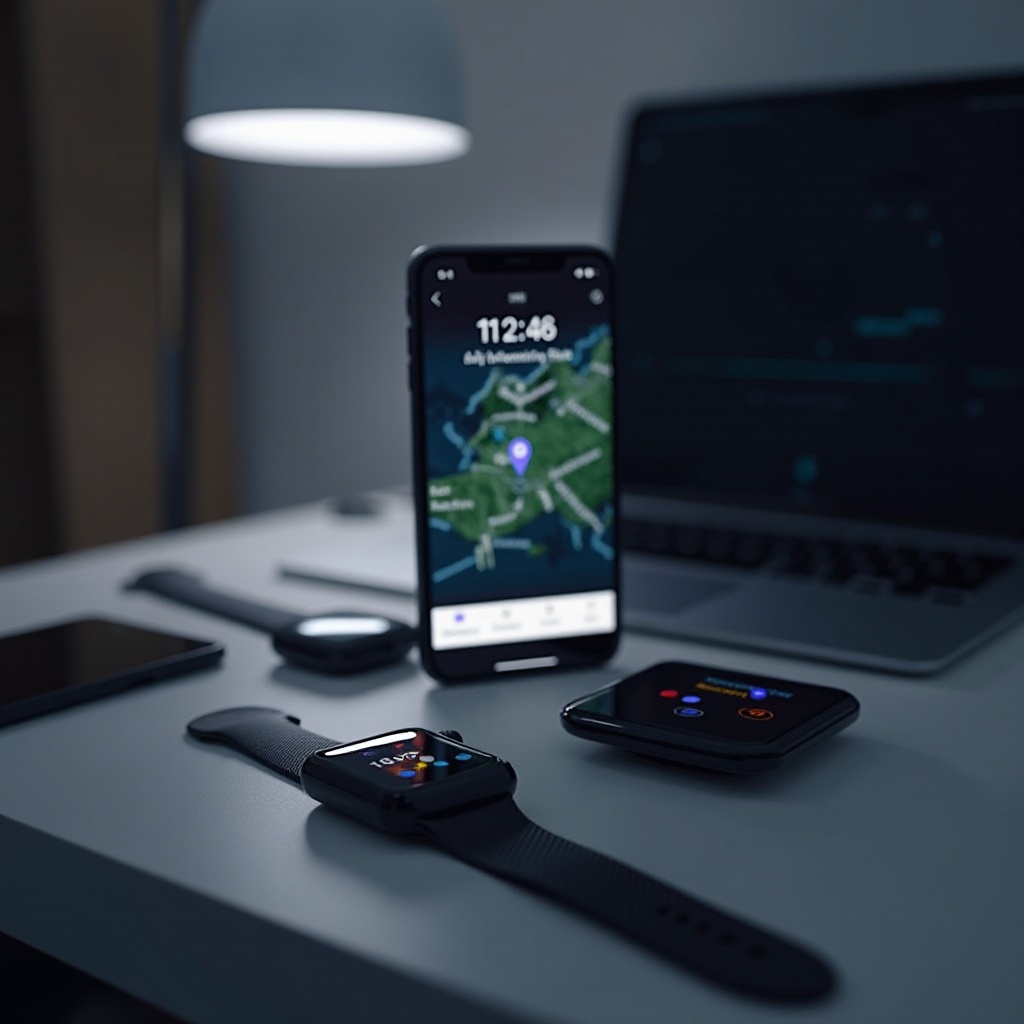
Practical Tips Without Technology
Technology isn’t your only ally. Simple, traditional methods complement digital tools for finding your iWatch.
- Retrace Your Steps and Search Common Areas: Recall where you last used or charged your iWatch. Check usual spots like the car, under sheets, or your workspace where you might habitually leave it.
- Engaging Others in Your Search: Enlist the help of family and colleagues. A new perspective could be all you need to spot a misplaced device.
Knowing what advanced features your iWatch offers can also bolster your recovery efforts and future-proof your device.
Advanced Features in Latest iWatch Models
The newest iWatch models boast advanced tracking technology and features designed to protect your device.
- Explore Find My Network Capabilities: This feature utilizes the massive Apple device network, detecting devices via secure Bluetooth, even offline, offering a greater chance of finding your watch.
- Importance of Security and Backup Functions: Sync and back your data regularly to iCloud. Enable wrist detection and set passcodes to protect your data if your iWatch gets lost.
With these features set, securing your iWatch becomes more effective. This leads us to essential preventive strategies.
Securing Your iWatch Against Loss
Preventative tactics will help you avoid the inconvenience of losing your iWatch again.
- Enabling Alerts for Left Behind Devices: Update to the latest iOS, which notifies you if your iWatch is left behind. These alerts work with compatible devices, adding extra security.
- Investing in Tracking Accessories: Consider adding a tracker like a Tile or AirTag to your iWatch band. These devices enhance your ability to find your iWatch if misplaced.
Frequently Asked Questions
Can I locate my iWatch if it’s offline?
Yes, using the Find My Network. It uses nearby Apple devices to send secure location data, even if your iWatch is offline.
What should I do if Find My App doesn’t work?
First, restart both your iPhone and iWatch. Make sure both devices have the latest updates, and ensure Bluetooth and Wi-Fi are on.
How can I report my iWatch as lost to Apple?
In the Find My App, select your iWatch and mark it as lost. You can add a contact number to display on the screen and notify Apple Support.