
Introduction
Are you struggling with your Bose SoundLink Color not charging properly? This is a common issue that many users face. Understanding the underlying causes will guide you in fixing the problem, ensuring your speaker is always ready for action. In this guide, we’ll walk through the steps to diagnose and resolve charging issues efficiently.
Common Charging Problems and Their Causes
Charging problems with the Bose SoundLink Color can often be traced to a few typical culprits. Knowing these can help you zero in on the specific issue:
- Defective Charging Cable or Adapter: These are among the most common reasons for charging failures.
- Clogged or Damaged Charging Port: Dirt and debris can obstruct the flow of electricity.
- Firmware Issues: Software glitches might disrupt normal charging processes.
- Deteriorating Battery: A battery that has seen better days may struggle to hold a charge.
Each of these issues requires a distinct approach to resolution. Let’s move forward with diagnosing the problem based on these potential causes.
Diagnosing the Problem
Pinpointing the problem is crucial to applying the right fix. Here’s how to proceed:
- Testing the Power Source and Cable: Verify that the power outlet is functional. Test your charging cable and adapter using another device to rule out faults.
- Examining the Charging Port: Look for any signs of dirt or damage in the charging port, using a flashlight if necessary.
- Trying a Different Charger: Using an alternative charger can help identify if the original charger is faulty.
Once you’re aware of what might be causing the issue, you can proceed with some basic troubleshooting methods.
Basic Troubleshooting Methods
With potential causes in hand, let’s try some basic remedies to revive your device:
- Conducting a Soft Reset: Hold the power button for 10 seconds to initiate a soft reset, which can refresh your device’s memory.
- Performing a Firmware Update: Connect your speaker to a computer and update the firmware if updates are available.
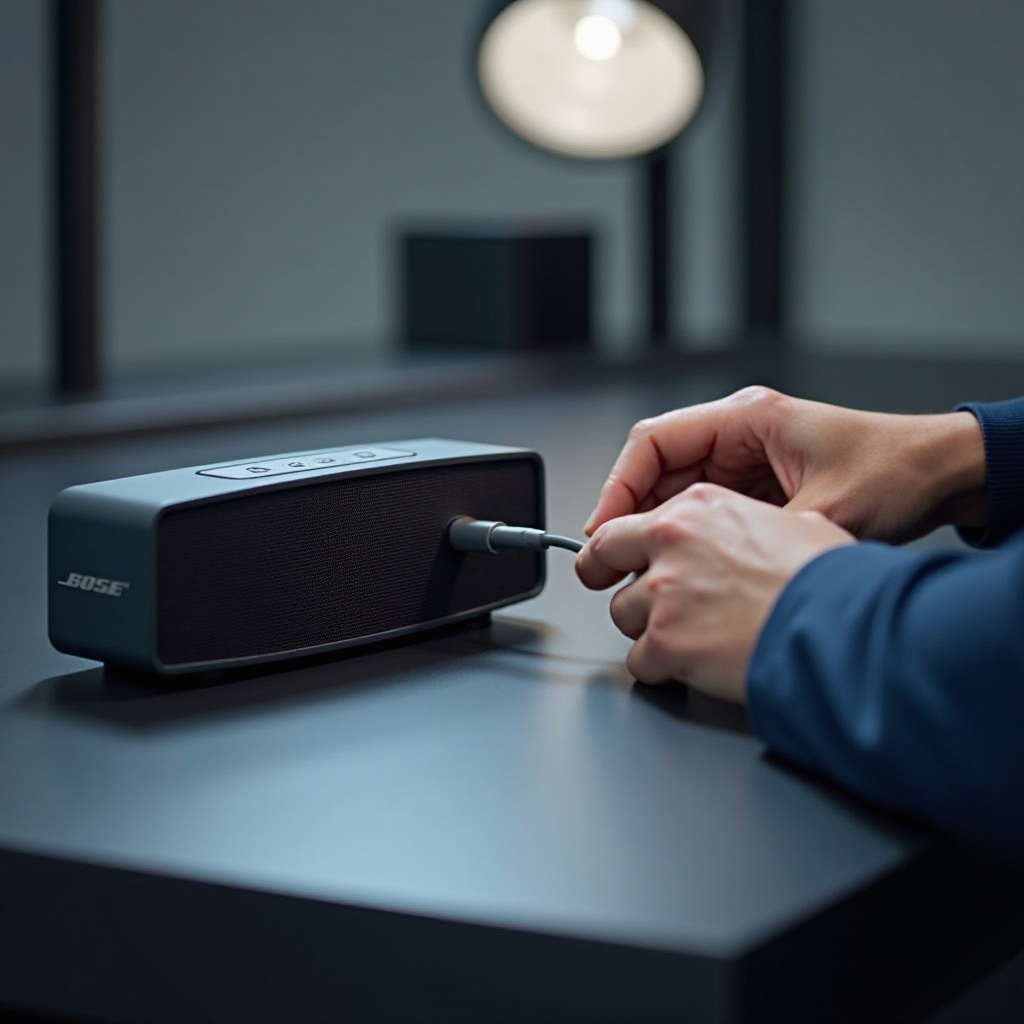
- Ensuring Secure Connections: Double-check that all cables are tightly connected, removing and reinserting to ensure a secure fit.
If these strategies don’t resolve the issue, it’s time to consider more advanced solutions.
Advanced Troubleshooting Solutions
For more persistent charging issues, the following advanced steps might be necessary:
- Assessing Battery Condition: Inspect the battery for any signs of wear or damage. If necessary, consider replacing it.
- Professional Repair Services: When all else fails, consulting with Bose support or visiting an authorized repair center might be the best solution.
Transitioning from identifying and resolving issues, let’s cover how to avoid them in the future.
Preventative Maintenance Tips
Prevent future charging issues by incorporating these easy maintenance habits:
- Regular Cleaning: Maintain clean charging ports and cables to ensure consistent connection and power flow.
- Gentle Handling: Always unplug by holding the plug, not the cable, to prevent damage.
- Safe Storage: Protect your speaker from moisture and extreme conditions by storing it in a dry, safe environment.
Consistent care and attention will extend the life of your Bose SoundLink Color and maintain its reliability.
Conclusion
Experiencing charging problems with your Bose SoundLink Color can be frustrating, but with the right approach, they can be fixed. Implementing the steps outlined in this guide should help you address these issues effectively. For technical concerns that can’t be resolved at home, professional help remains a reliable option. Keeping up with maintenance will minimize future troubles and enhance your listening experience.
Frequently Asked Questions
What should I do if my Bose SoundLink Color won’t charge after basic fixes?
If basic troubleshooting doesn’t resolve the issue, consider seeking professional assistance from Bose support or an authorized repair center.
Can I replace the battery in my Bose SoundLink Color myself?
While battery replacement is possible, it’s advisable to have it performed by a professional to avoid damaging the device or voiding the warranty.
How long should my Bose SoundLink Color battery last when fully charged?
Under optimal conditions, a fully charged battery should last about 8 hours, depending on volume settings and usage.